ETC ColorSource AV Colour Picker
The ETC ColorSource AV colour picker UI component allows users to interact with the Hue and Saturation of the devices selected within the ColorSource AV.
To control a fixture using an HSV color module (Hue, Saturation, Value). Pair this Color Picker with a ColorSource AV intensity slider.
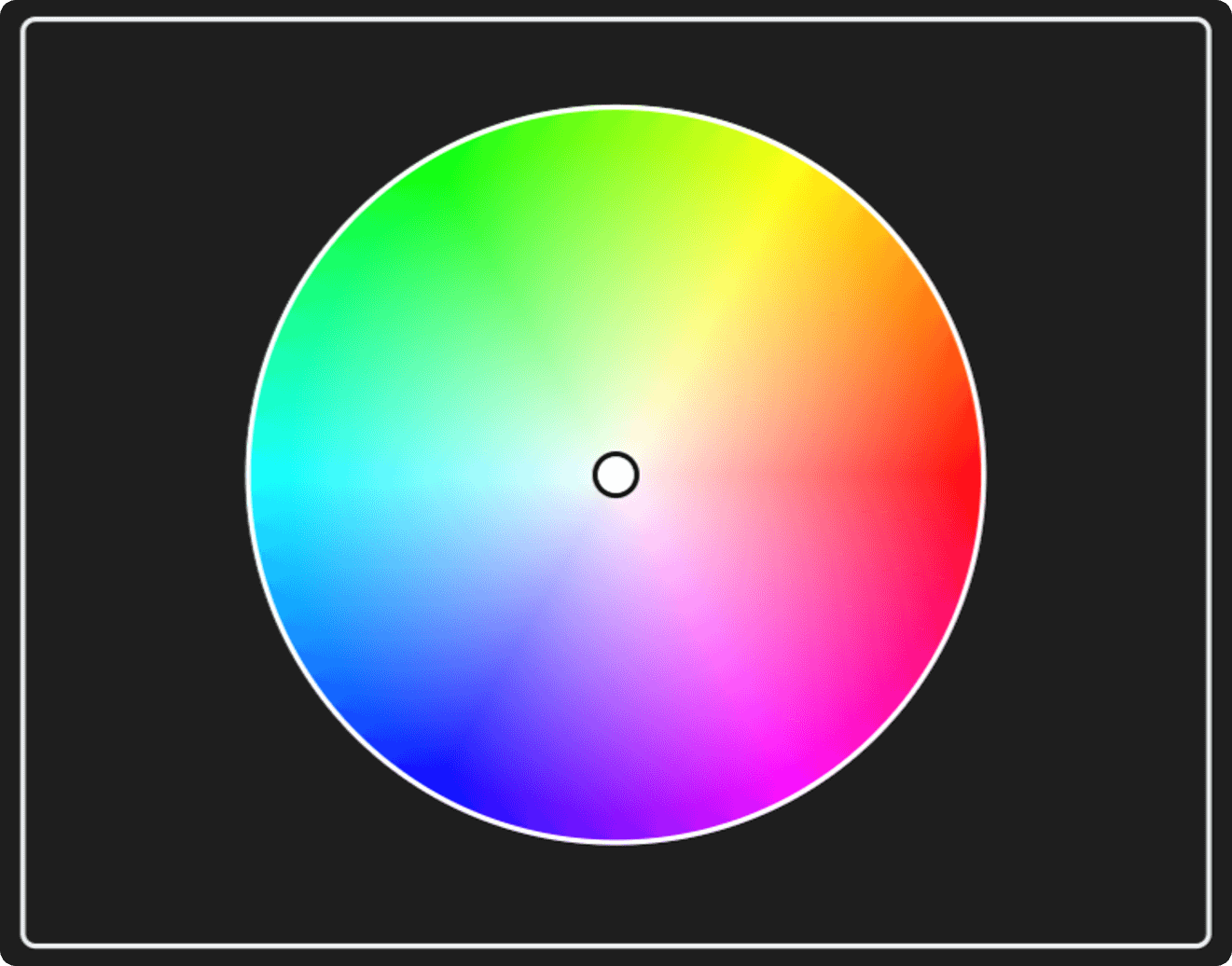
To use this UI component, you must already have patched an ETC ColorSource AV module in the nodes view of your workspace. (Ensure that OSC control is enabled within the ColorSource AV's settings).
To customise the UI component, navigate to the Style tab.
Set the colour theme, show or hide the border and select from a flat or rounded border edge style.
Settings
The Settings tab allows the UI component to be assigned to an ETC ColorSource AV module already created in the Nodes view of the workspace. - Note: if the UI element is not assigned to a ColorSource AV module, it will not control anything.
Interact with the ETC ColorSource AV picker UI component's appearance remotely to lock it out, change the size, position appearance and more by creating a Process and adding the relevant Interface block in combination with a Render Component block. This allows these options to be triggered using timers, external protocols or other remote logic.
See the Ctrl Suite Website for more tips, tricks & tutorials.